Reports Module
Turn financial activity into clean reports.
Generate structured summaries for income, expenses, savings and long-term financial review.
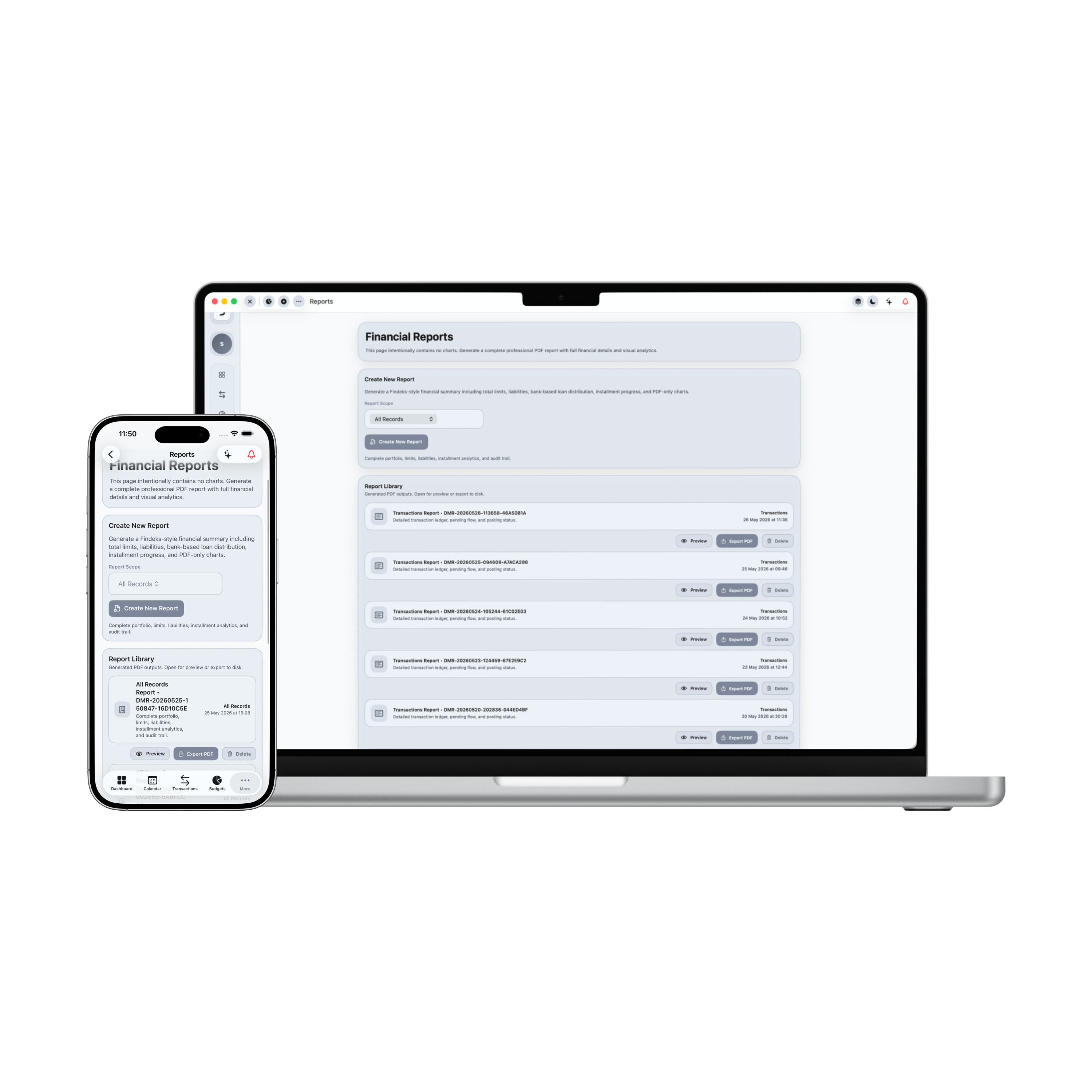
Control Center: Reports Module
Damsera's reports engine synthesizes raw transaction matrices into presentation-ready, visual intelligence briefs. Perform comparative trend checks, map category distribution weights, audit cost drivers, and export premium A4 financial statements.
Total Net Revenue
+$10,000.00
Total Net Expenditure
-$6,560.00
Net Capital Yield
+$3,440.00
Liquid Savings Ratio
34.4%
Revenues vs Expenditures (Last 6 Periods)
Ledger Document Sheet
Monthly recurring engineering payroll transfers
Ad-hoc client branding and UI packages
Quarterly stock dividend yields
Primary workspace apartment leasing cost
Weekly grocery baskets and premium restaurants
Server SaaS, API tokens, and developer gear
Electric car lease loading, charging, and Uber rides
Regular theater, gym membership, and visual media subscriptions
Safety net deposits
Summer holiday travel fund
Your financial statement contains 10 active ledgers. During this timeframe, net revenues registered $10,000, whilst total expenditures reached $6,560, creating a Net Capital Yield of $3,440. You preserved an overall savings ratio yield of 34.4%, keeping assets highly optimal.
1. Timeframe Selectors
Compile transaction ledgers by specific scopes (Weekly Oct, Q1, All 2026) dynamically in one click.
2. Target Scope Isolations
Switch scopes targeting Income Statements, Expense Breakdown, or Savings Yields with glassmorphic ease.
3. Income vs. Expense Charts
Audit comparative bars plotting revenue aggregates against monthly outflows across historical windows.
4. Cost Driver breakdowns
Spot category share percentages, contributed cash values, and context notes easily on card grids.
5. Live Preview Generation
Compile transaction lists and records dynamically. Generate interactive preview loading animations.
6. PDF Document Preview
Open A4 proportioned printable statements showing official statement layouts, summaries, and recipient tables.
7. Exporter Downloading Stepper
Process detailed financial statements with sequential progress tracking.
8. Unified Command Hub
Synthesize transaction logs, cashflow models, budget thresholds, and debt repayment schedules in one deck.
9. Offline Continuity Security
Export statements securely inside Apple-native sandbox environments, with zero data leaks or external trackers.
Applied Freedom
What You Can Do in Practice
The Reports command deck maps transaction tables into readable statements, comparing income indexes, showing cost distributions, and creating sharing archives.
Compile weekly, monthly, quarterly, and rolling custom timeframes
Isolate scope profiles targeting income sheets, expense summaries, or savings
Analyze comparative historical charts plotting income vs outgoings
Spot high-density spent items driving capital outflows automatically
Evaluate gross revenues, gross expenditures, net yields, and savings ratios
Export clean generated statement sheets to physical archives or shareables
Review category spent volumes, share weights, and transaction notes
Run instant automated database scans using fresh reactive sliders
Reports Module in Summary
Reports resolves fragmented data overload. By summarizing daily ledgers into scoped summaries, comparing trends, and compiling PDF exports, Damsera helps users audit expenses, establish solid savings habits, and back plans with data.